


Home Players Teams 3DMAX misutaaa

misutaaa

FACEIT Level ELO: Loading...
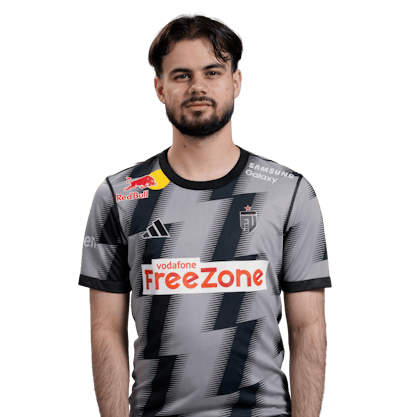
misutaaa player photo
Kévin Rabier
Kévin "misutaaa" Rabier was born on January 15, 2003 and currently plays for 3DMAX as an rifler.
Team: 3DMAX
Country: France
Updated: 07 April 2026
Downloads: 4 time
Download config
  • Mouse
  • Video Settings
DPI: 400
Hz: 4000Hz
Sensitivity: 1.42
Zoom Sensitivity: 1
Windows Sensitivity: 6/11
m_rawinput: 1
Resolution: 1280 x 960
Aspect Ratio: 4:3
Scaling Mode: Stretched
Monitor Hz: 360Hz
Crosshair
Copy
misutaaa crosshair on Ancient in CS2
misutaaa crosshair on Overpass in CS2
misutaaa crosshair on Nuke in CS2
misutaaa crosshair on Mirage in CS2
misutaaa crosshair on Inferno in CS2
misutaaa crosshair on Dust 2 in CS2
misutaaa crosshair on Anubis in CS2
misutaaa crosshair on Vertigo in CS2
Launch Options
Copy
-console -nojoy +cl_forcepreload 1 -freq 360
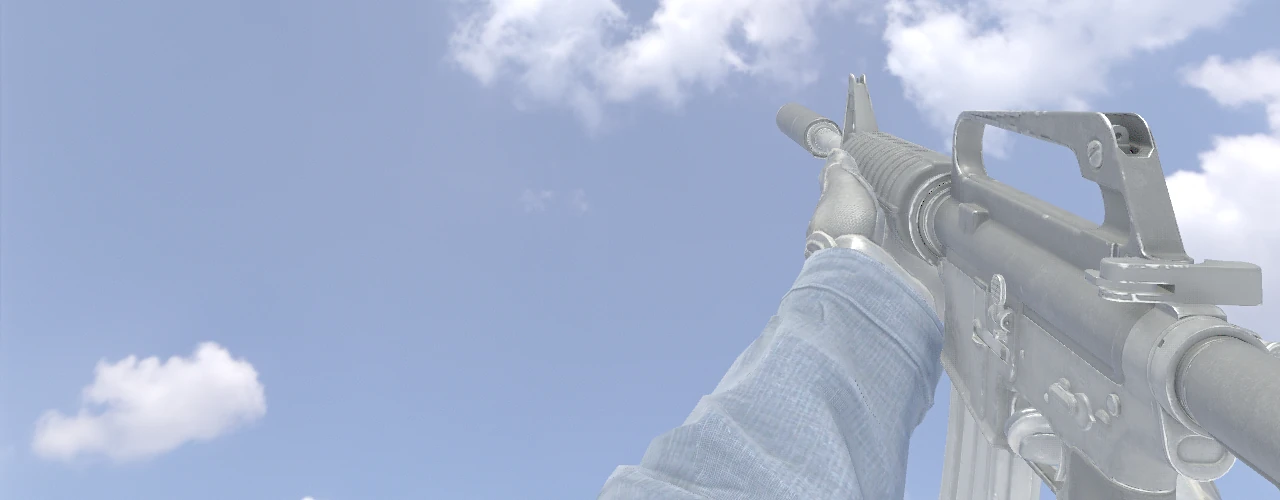
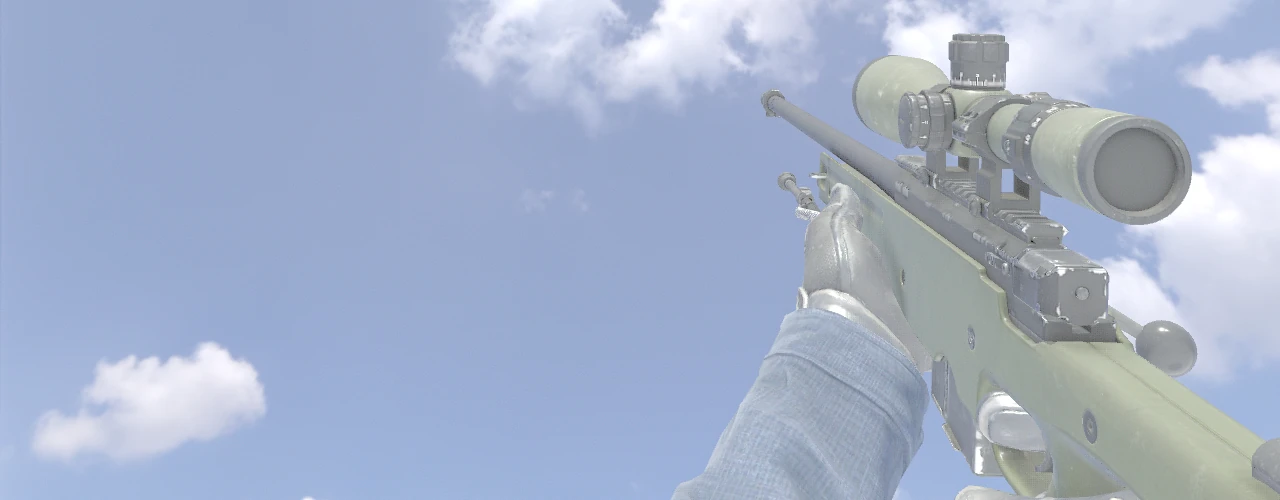
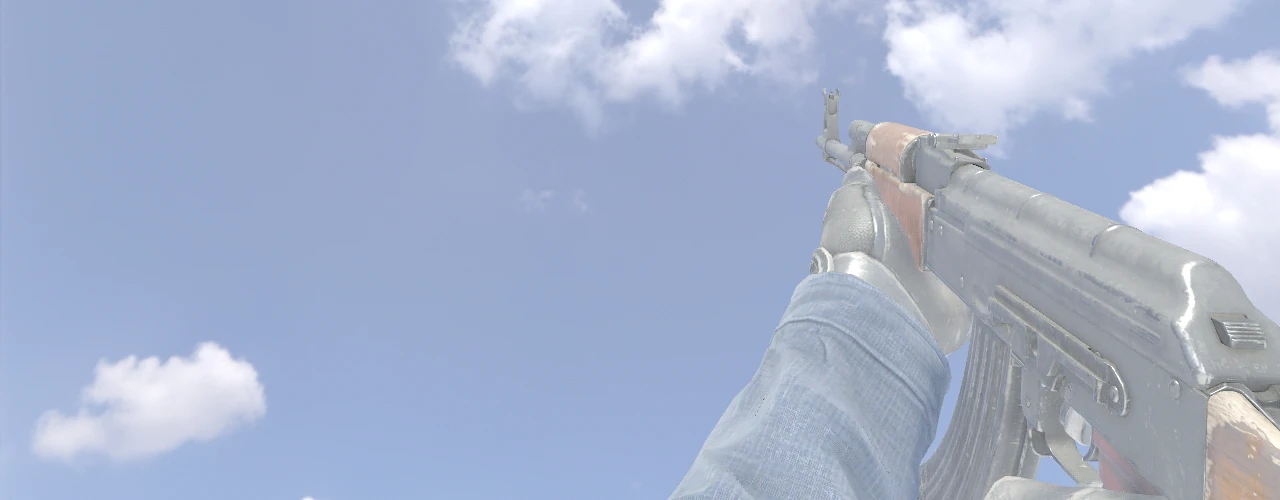
Viewmodel
Copy
FOV: 68
Offset X: 2.5
Offset Y: 1
Offset Z: -1.5
Presetpos: 0
viewmodel_fov 68; viewmodel_offset_x 2.5; viewmodel_offset_y 1; viewmodel_offset_z -1.5; viewmodel_presetpos 0;
misutaaa
misutaaa
misutaaa
misutaaa
misutaaa

Information about misutaaa

Kevin “misutaaa” Rabie is one of the rising stars of Counter-Strike: Global Offensive, hailing from France. He was born on 15 January 2003. He began his career in 2017 with the MateMeUp team. He later played for PressZ. In October 2018, he joined Make Your Destiny, staying with the team until August 2019. In January 2020, he joined WonderKids. Three months later, in March 2020, he was signed by the French organisation Team Vitality. On 14 August 2022, he moved to Falcons Esports. On 3 September 2023, he started playing for the Into the Breach team. On 22 May 2024, he started playing for the 9INE team. In May 2025, he joined FUT. On 23 September, he moved to the GenOne team. He began playing for the 3DMAX team on 24 February 2026.


Download misutaaa CS2 Config

The latest misutaaa CS2 config is a fully updated set of settings. The archive includes all key parameters: mouse sensitivity, crosshair, key binds, and more. You can download misutaaa CS2 config for free from our website - no registration required.

Download misutaaa Config
Закрыть