
10 June 2026
How to Get a No Scope Crosshair in CS2
Every Counter-Strike 2 player eventually faces the unique mechanics of sniper rifles. Weapons like the AWP, SSG 08, SCAR-20, and G3SG1 do not have a standard crosshair in CS2 like pistols, rifles, or SMGs. Instead, these weapons rely on a scope, which zooms in the image and significantly narrows the field of view on both sides of the screen.
On the one hand, zoom in CS2 gives a serious advantage at long range, allowing players to hold angles more precisely and react faster to distant opponents. On the other hand, this mechanic becomes less comfortable at close range: because of the limited field of view, a player may miss an enemy coming from the side or react too late. That is why many players search for how to set up a no scope crosshair for AWP in CS2 and make sniper rifles easier to control without zooming.
Contents
What Is No Scope in CS2?
No Scope Features in CS2
How to Make a No Scope Crosshair in CS2
No Scope Crosshair in CS2 Using Steam Notes
No Scope Crosshair in CS2 Using Programs
Alternative Programs for a No Scope Crosshair in CS2
No Scope Crosshair in CS2 Through Console Commands
No Scope Crosshair Through an Old Game Bug
No Scope Crosshair in CS2 Through a Gaming Monitor
Old-School Way to Make a No Scope Crosshair in CS2
Spread in CS2 When Shooting with AWP, SSG 08, SCAR-20 and G3SG1
FAQ: CS2 No Scope Crosshair Settings
Conclusion
No Scope Features in CS2
How to Make a No Scope Crosshair in CS2
No Scope Crosshair in CS2 Using Steam Notes
No Scope Crosshair in CS2 Using Programs
Alternative Programs for a No Scope Crosshair in CS2
No Scope Crosshair in CS2 Through Console Commands
No Scope Crosshair Through an Old Game Bug
No Scope Crosshair in CS2 Through a Gaming Monitor
Old-School Way to Make a No Scope Crosshair in CS2
Spread in CS2 When Shooting with AWP, SSG 08, SCAR-20 and G3SG1
FAQ: CS2 No Scope Crosshair Settings
Conclusion
What Is No Scope in CS2?
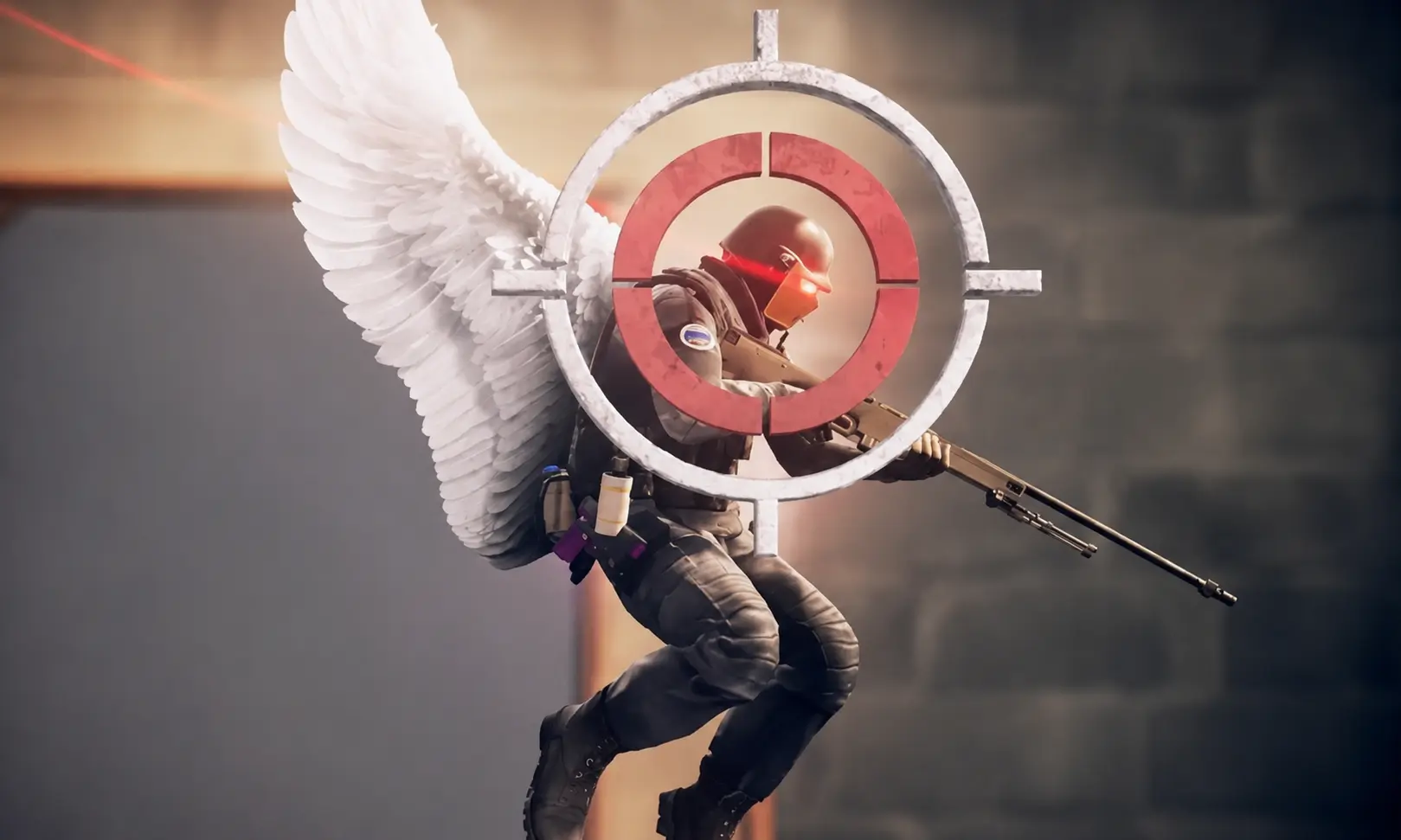
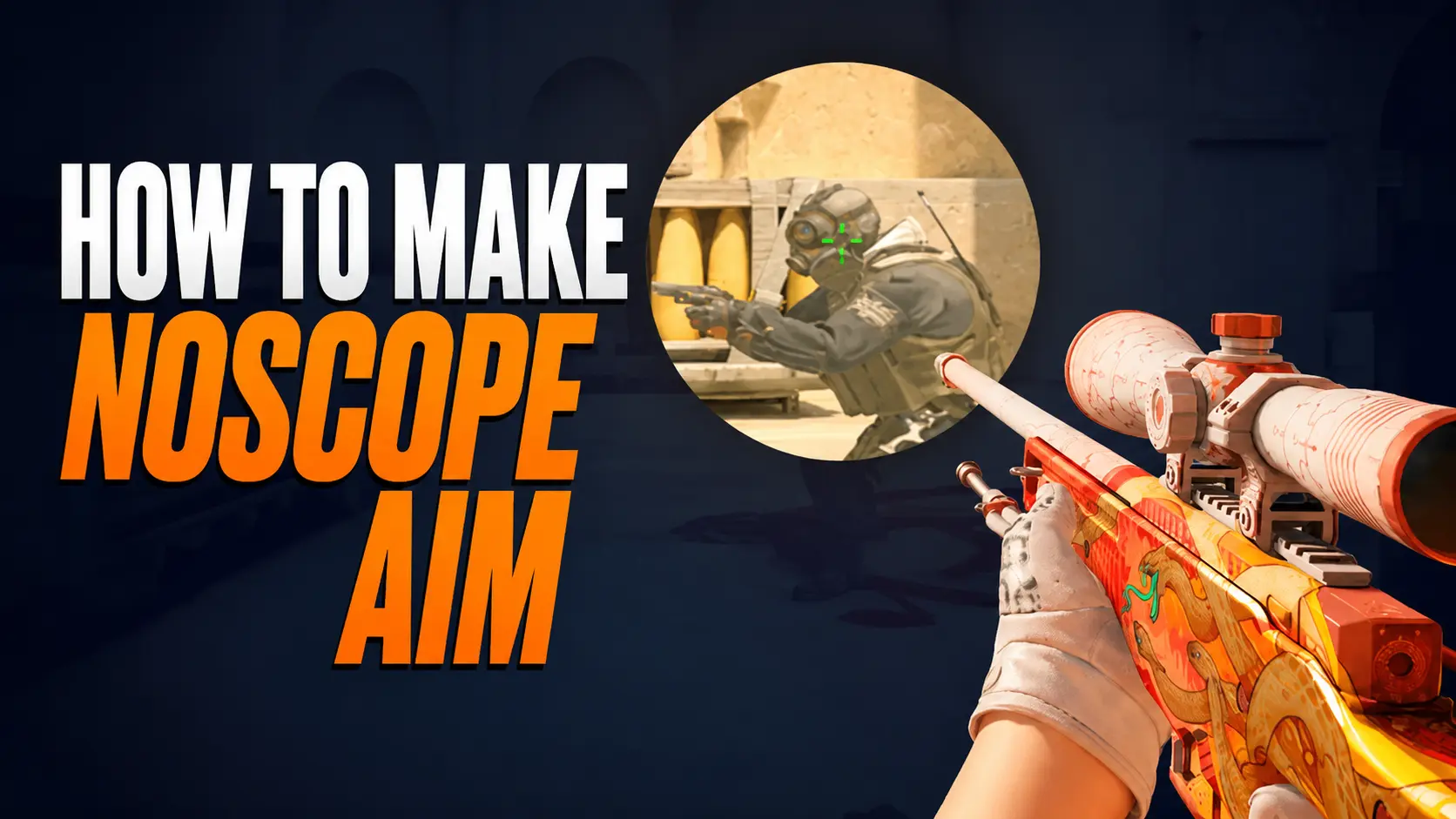
No scope in CS2 means shooting an opponent without using the sniper scope. In simple words, the player fires the weapon without right-click zooming and tries to hit the target from the hip.
No scope shots in Counter-Strike 2 are most commonly associated with the AWP, SSG 08, SCAR-20, and G3SG1, because these sniper rifles do not display a regular crosshair while unscoped. In the CS2 community, no scope is considered a spectacular but risky technique, since the chance of hitting the enemy depends heavily on distance, weapon spread, movement, and luck.
No Scope Features in CS2
The main features of no scope shooting in CS2 are directly connected to the weapon accuracy system and the absence of a standard crosshair on sniper rifles. A successful no scope always looks impressive: these kills often become highlights, attract attention, and make the round more memorable. That is why no scope in CS2 is not only a practical emergency option, but also one of the most entertaining elements of sniper gameplay.
One of the best examples of this style can be seen in the way legendary players use no scope shots in tense moments. For example, Oleksandr "s1mple" Kostyliev has shown many times how powerful a perfectly timed no scope can look in Counter-Strike:
However, it is important to understand that shooting without zoom comes with high inaccuracy. Even if your aim is placed exactly on the opponent, the bullet does not always fly perfectly to the center of the screen. The final result still depends on weapon spread, distance, and the current state of your movement.
Still, experienced players do not rely only on luck. A visual reference point in the center of the screen helps you better understand where your weapon is aimed and improves your control in close-range situations. This is exactly why many players want to know how to make a no scope crosshair in CS2 and whether it is possible to make AWP, Scout, SCAR-20, and G3SG1 more comfortable without using the scope.
Below, we will go through several legal and accessible methods that can help you set up a no scope crosshair in CS2.
How to Make a No Scope Crosshair in CS2
There are several legal ways to add a visual crosshair to the center of your screen and make no scope shots in CS2 easier to control. These methods do not change the game files and do not give perfect accuracy, but they can help you better feel the center of the screen when playing with sniper rifles.
Below are the most popular ways to create an AWP no scope crosshair in CS2, including Steam Notes, crosshair overlay programs, console commands for practice, monitor crosshairs, and old-school manual solutions.
No Scope Crosshair in CS2 Using Steam Notes
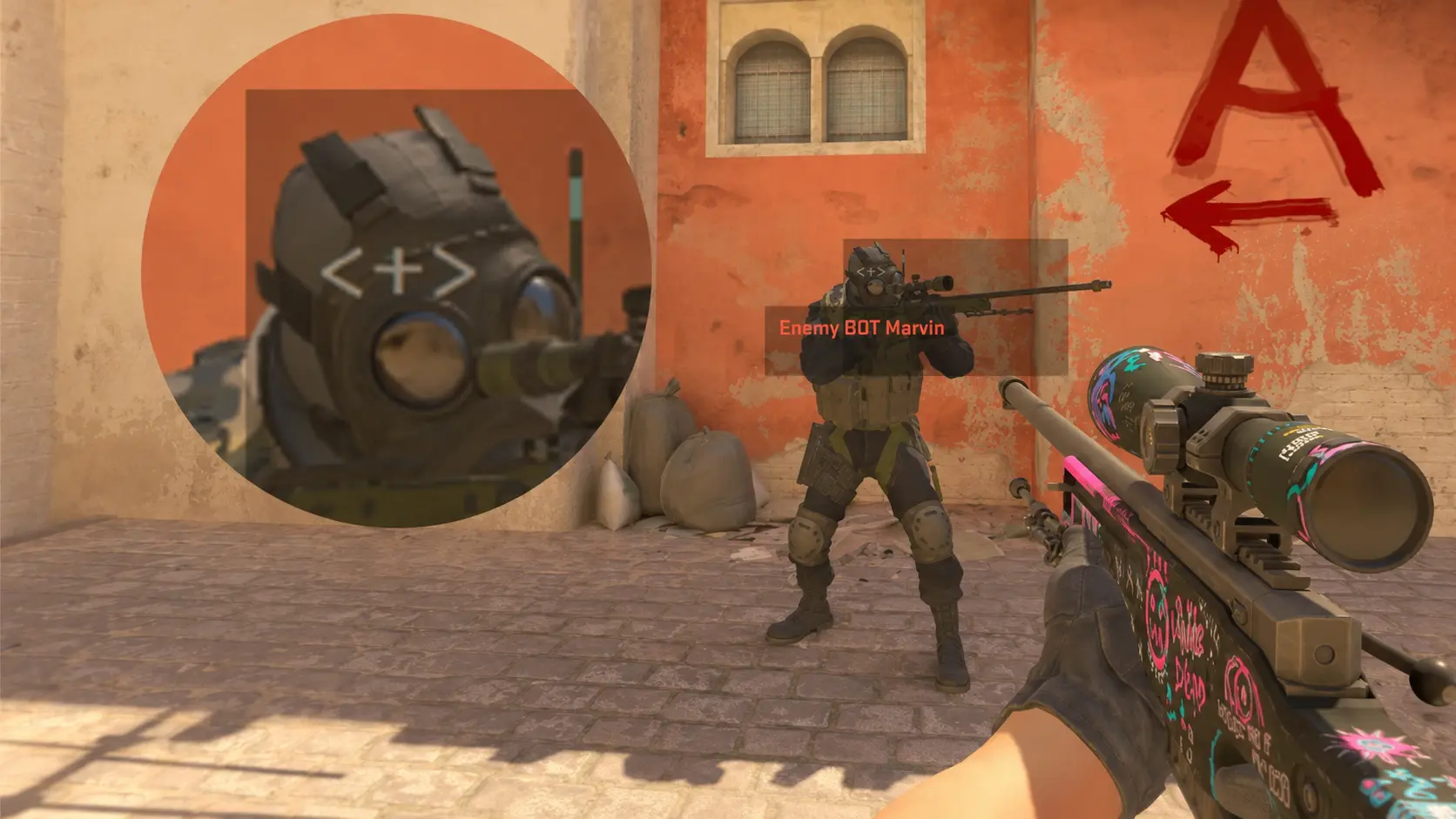
One of the easiest and most popular ways to make a no scope crosshair in CS2 is to use the built-in Steam Overlay. It includes a feature called Notes, which allows you to place a small visual marker over the game. This method is legal, does not require third-party software, and is often used by players who want a simple no scope reference point.
Step-by-step setup through Steam Notes
The idea is simple: you create a small text symbol and manually place it in the center of the screen. It can imitate a crosshair and help you control the center when shooting without zoom in CS2.
- Launch CS2 and open any practice map where you can safely adjust the no scope crosshair. Pick a weapon with a standard crosshair, such as M4A1-S or AK-47, to clearly see the center of the screen.
- Open the Steam Overlay using Shift + Tab and go to the Notes section. It is usually displayed as a small pencil icon in the overlay menu.

- Create a new note and type a symbol that will work as your crosshair. For example, you can use <+>, +, x, or another small marker.
- Reduce the note window to the smallest possible size and carefully move it to the center of the screen. Align it with the standard weapon crosshair, pin the note window, and set transparency to around 20-40% so the marker does not block your vision too much.
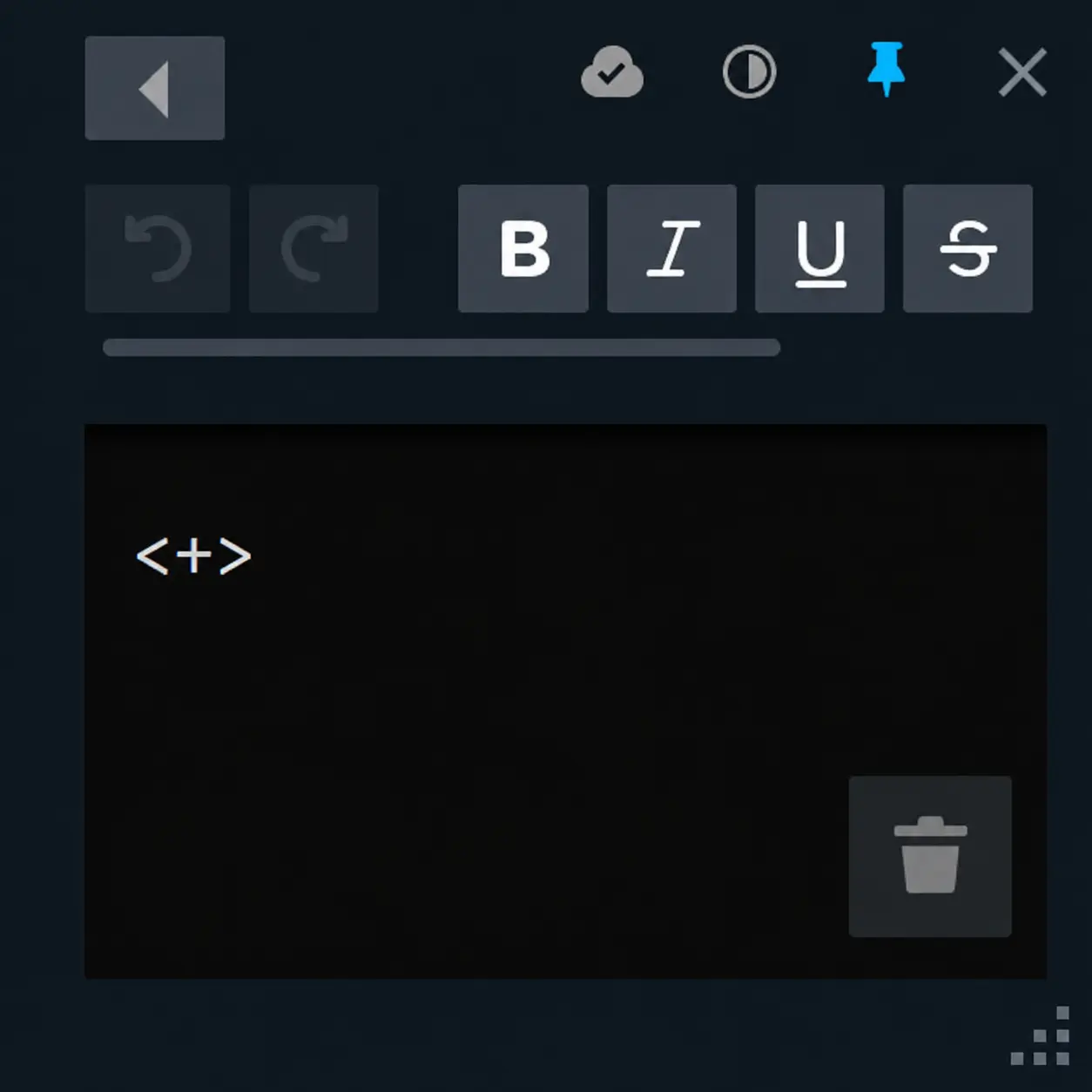
- Close the Steam Overlay and make small adjustments if the marker is slightly off-center.
As a result, you get a simple and convenient no scope crosshair for CS2 that stays in the center of your screen and can help with AWP, SSG 08, SCAR-20, and G3SG1 shots without zoom.
No Scope Crosshair in CS2 Using Programs
Another popular way to create a no scope crosshair in CS2 is to use dedicated crosshair overlay applications. These programs display a custom crosshair in the center of your screen regardless of the weapon you are holding. The most well-known option is Crosshair V2, a free application available through Steam.
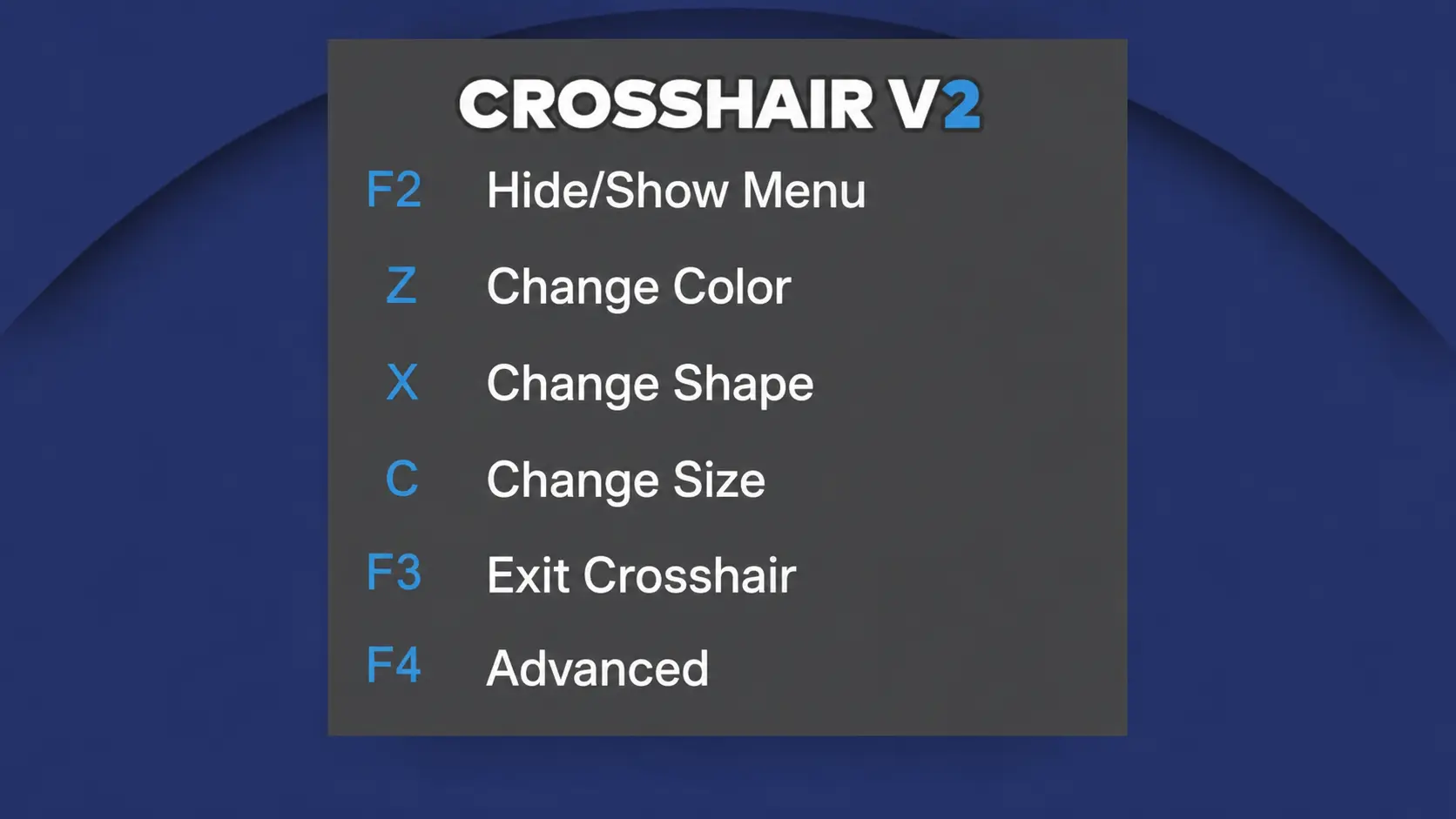
Crosshair V2 runs independently from Counter-Strike 2 and does not modify game files, making it a safe and widely used solution when configured correctly. It allows players to display a permanent crosshair while using sniper rifles without zooming.
Important!
If your crosshair does not appear in CS2, check your display mode settings. Most overlay applications require Fullscreen Windowed mode instead of exclusive Fullscreen. Switching display modes often solves visibility problems with external crosshair software.
One of the biggest advantages of Crosshair V2 is the ability to fully customize your overlay. You can choose different shapes, colors, transparency levels, and sizes to create a no scope crosshair that fits your personal preferences.
Alternative Programs for a No Scope Crosshair in CS2
If the basic features of Crosshair V2 are not enough, there are several alternatives available on Steam. One of the most popular premium solutions is Crosshair X, which offers additional customization options and more advanced settings.
Crosshair X allows users to create highly personalized crosshairs with precise adjustments to color, thickness, shape, opacity, and positioning. Many players prefer it because of its flexibility and polished interface.
Besides Crosshair X, Steam also offers other crosshair overlay applications that can be used for AWP no scope practice and general gameplay.
No Scope Crosshair in CS2 Through Console Commands
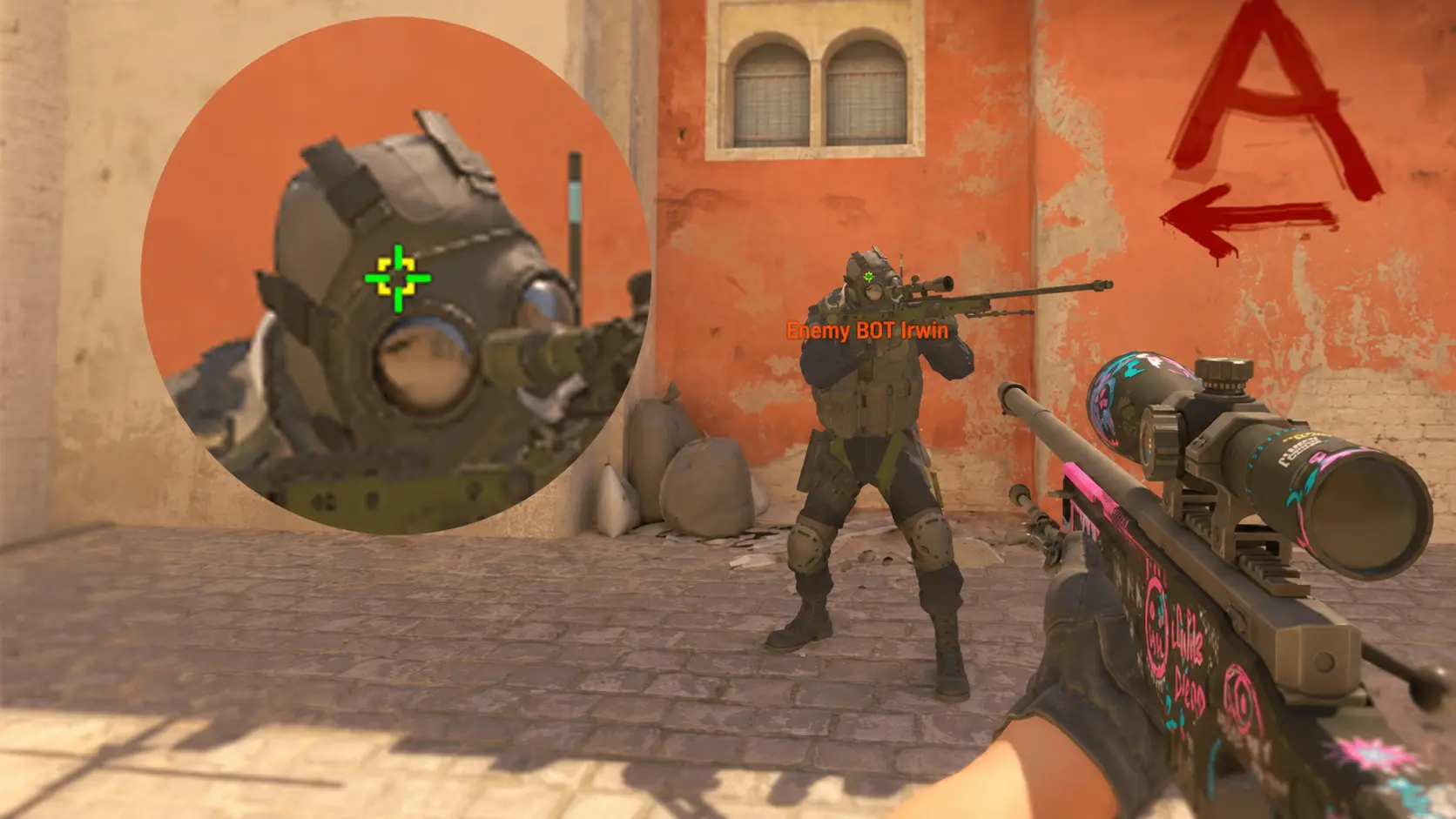
Another way to create a no scope crosshair in CS2 is through console commands. This method is completely legal and does not require any third-party software, but it only works in local practice sessions and custom matches.
It is an excellent option for training, practicing AWP mechanics, testing weapon spread, or organizing sniper duels with friends.
How to Enable an AWP No Scope Crosshair Through the Console
Launch a practice match, workshop map, or local server and open the console using the ~ key. First, enable cheats with the following command:
sv_cheats 1
After that, you can activate several different spread visualization modes that effectively work as no scope crosshairs for sniper rifles in CS2.
First No Scope Crosshair Option

Use the following command:
weapon_debug_spread_show 1
This mode displays a simple spread indicator that helps you understand where bullets can land when firing without zooming.
Second No Scope Crosshair Option

Use the following command:
weapon_debug_spread_show 2
This version provides a more detailed visualization of weapon spread and can be useful for accuracy training.
Third No Scope Crosshair Option

Use the following command:
weapon_debug_spread_show 3
This setting gives the most comprehensive spread display and is commonly used when testing sniper rifle mechanics.
No Scope Crosshair Through an Old Game Bug
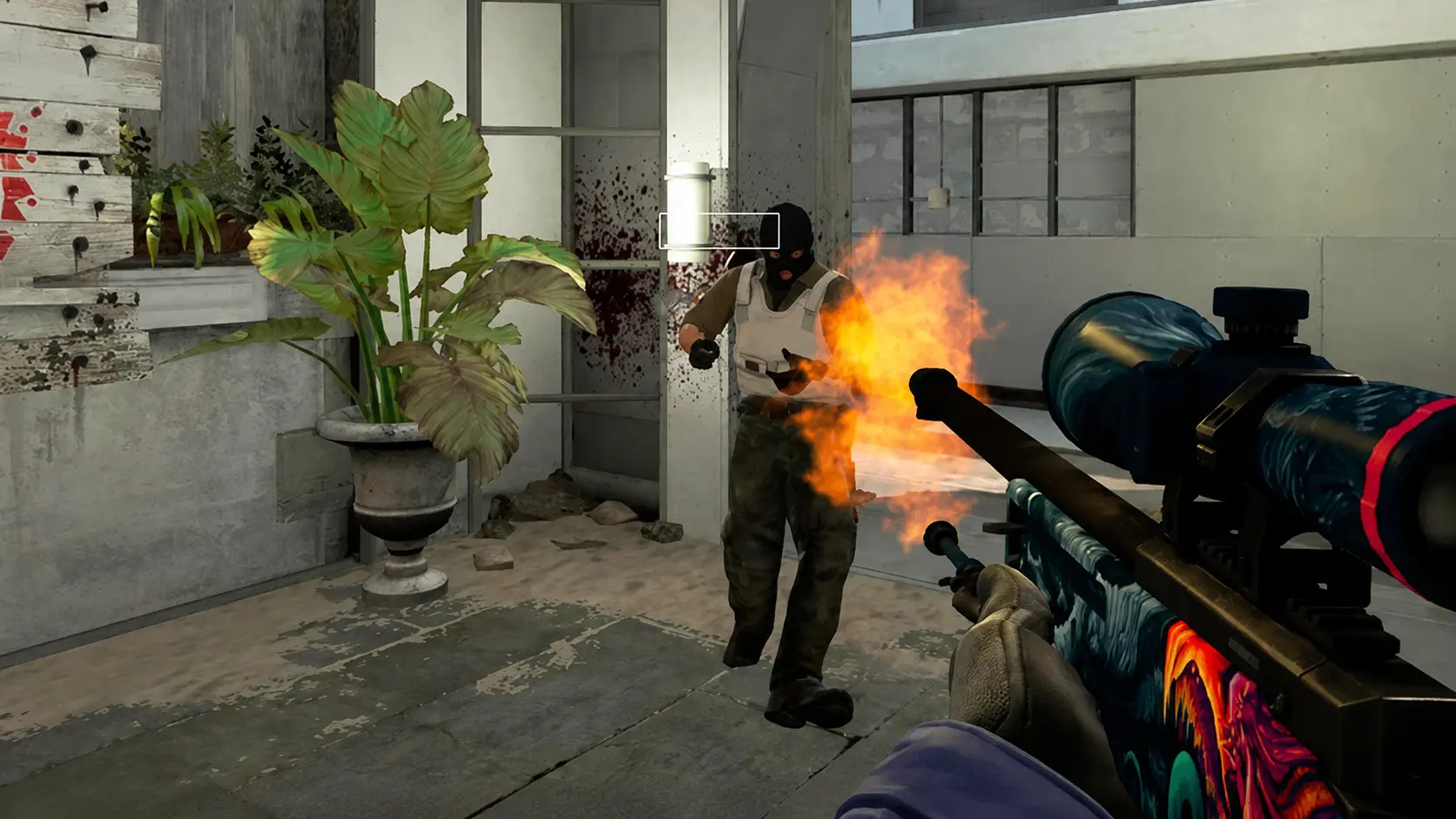
Back in CS:GO, players used a well-known console bug to create a simple AWP crosshair without zooming. The trick allowed users to place a static visual element directly in the center of the screen, effectively functioning as a permanent no scope crosshair.
The exploit worked by entering text into the developer console and manipulating the console window in a specific way. A small rectangle would remain visible even after closing the console, providing a basic aiming reference during gameplay.
This method became extremely popular because it required no external software and could be used during regular online matches.
However, Valve fixed this bug in Counter-Strike 2. At the moment, there is no known way to recreate the same effect using console commands in CS2. Players who still want to experiment with the original method would need to use older versions of CS:GO where the exploit was available.
No Scope Crosshair in CS2 Through Your Monitor
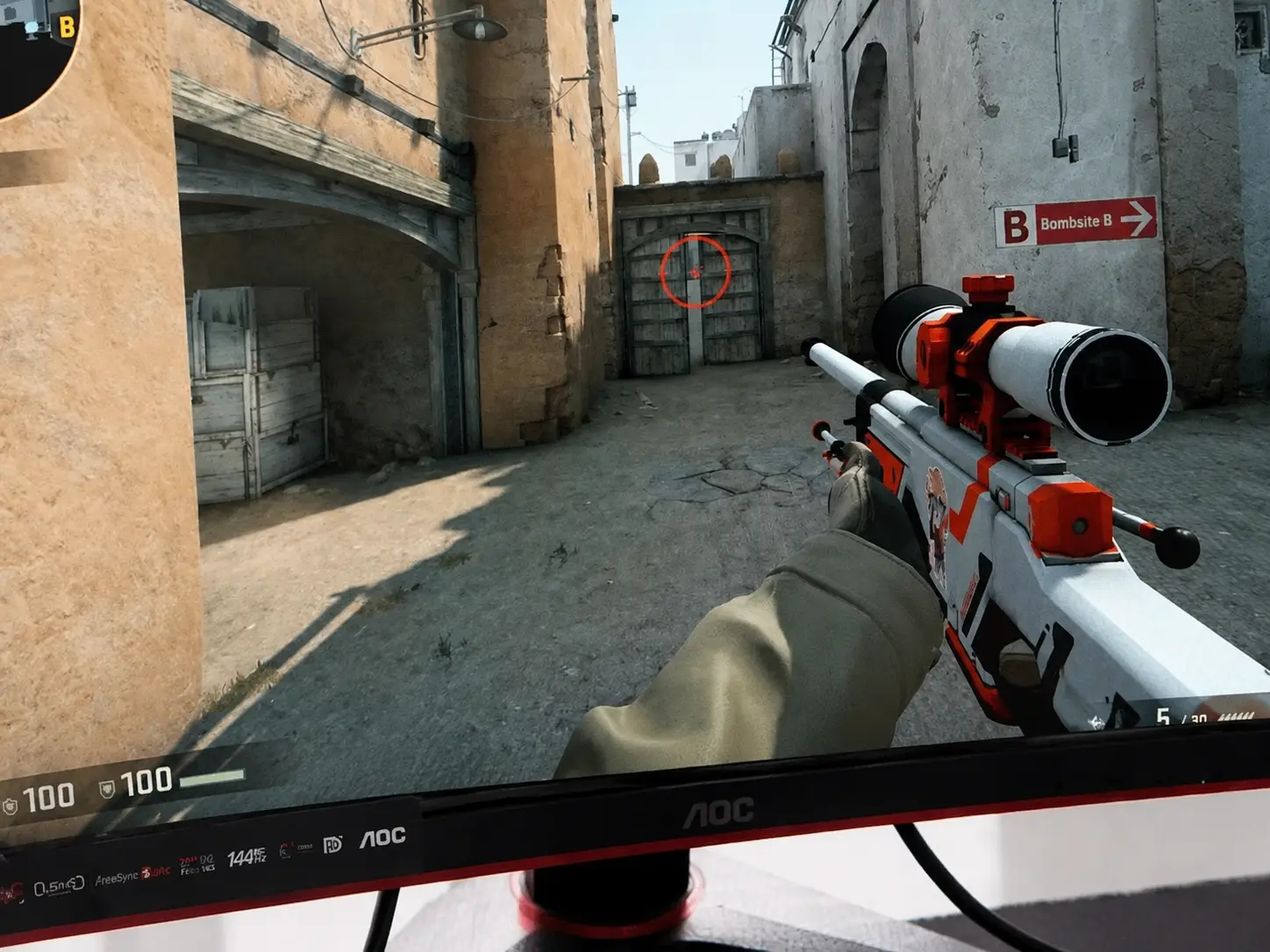
Another effective way to create a no scope crosshair in CS2 is by using the built-in crosshair feature available on many modern gaming monitors. Manufacturers often call this feature On-Screen Crosshair, and it allows players to display a permanent aiming point directly on the monitor itself.
Unlike software-based solutions, monitor crosshairs work independently from the game and operating system. Because of this, they do not affect performance and remain visible regardless of the game settings.
How to Enable a Monitor Crosshair for CS2
Open your monitor's settings menu using the physical buttons on the device. Look for a section called Gaming, Game Settings, or Crosshair, depending on the monitor brand.
After that, choose a crosshair style. Most gaming monitors offer several options, such as a dot, a cross, or a circle. Adjust the color, size, and transparency according to your preference. Green, cyan, and white are commonly used because they remain visible on most CS2 maps.
Once enabled, the crosshair stays in the center of the screen and can be used for no scope shots with the AWP, SSG 08, SCAR-20, and G3SG1.
Old-School Way to Make a No Scope Crosshair in CS2
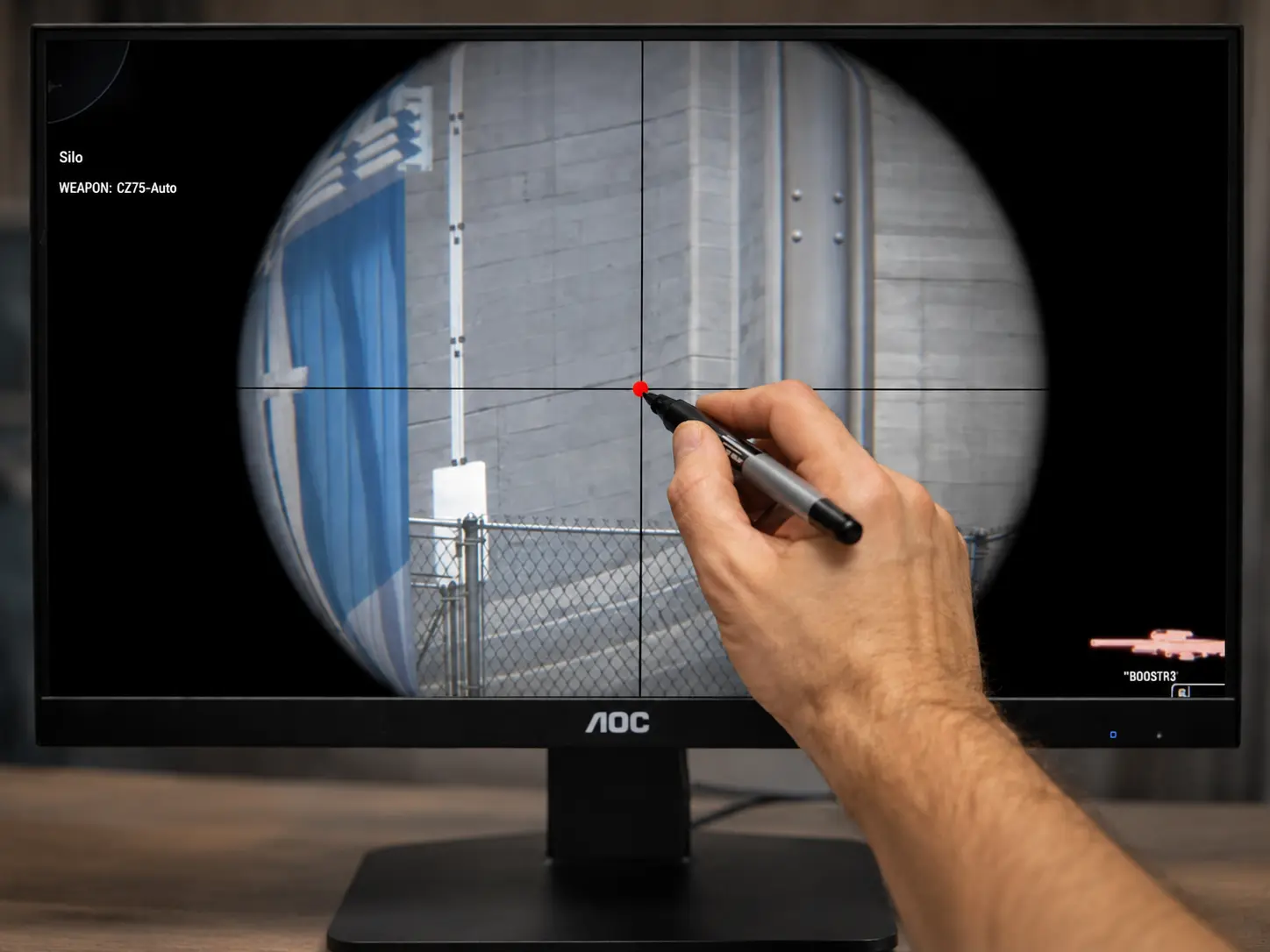
If you do not have a gaming monitor with a built-in crosshair and prefer not to use third-party applications, there is still an old-school solution that has existed for many years.
The idea is simple: place a small physical marker directly on the screen. Players traditionally used removable stickers, transparent tape, dry-erase markers, or even thin strings aligned with the center of the monitor.
While this method may sound primitive, it works surprisingly well as a visual reference point. Many players used similar techniques long before gaming monitors and crosshair overlay programs became popular.
The main disadvantage is convenience. You need to manually align the marker with the center of the screen, and it may not look aesthetically pleasing. However, it remains one of the simplest no scope crosshair methods available.
Spread in CS2 When Shooting with AWP, SSG 08, SCAR-20 and G3SG1
Even when using a no scope crosshair in CS2, the most important factor is still weapon spread. A visual crosshair helps you identify the center of the screen, but it does not remove the built-in inaccuracy of sniper rifles when firing without zoom.
To better understand how no scope mechanics work, we tested several sniper rifles by repeatedly firing at the same point without moving the mouse. The results clearly show that each weapon behaves differently.
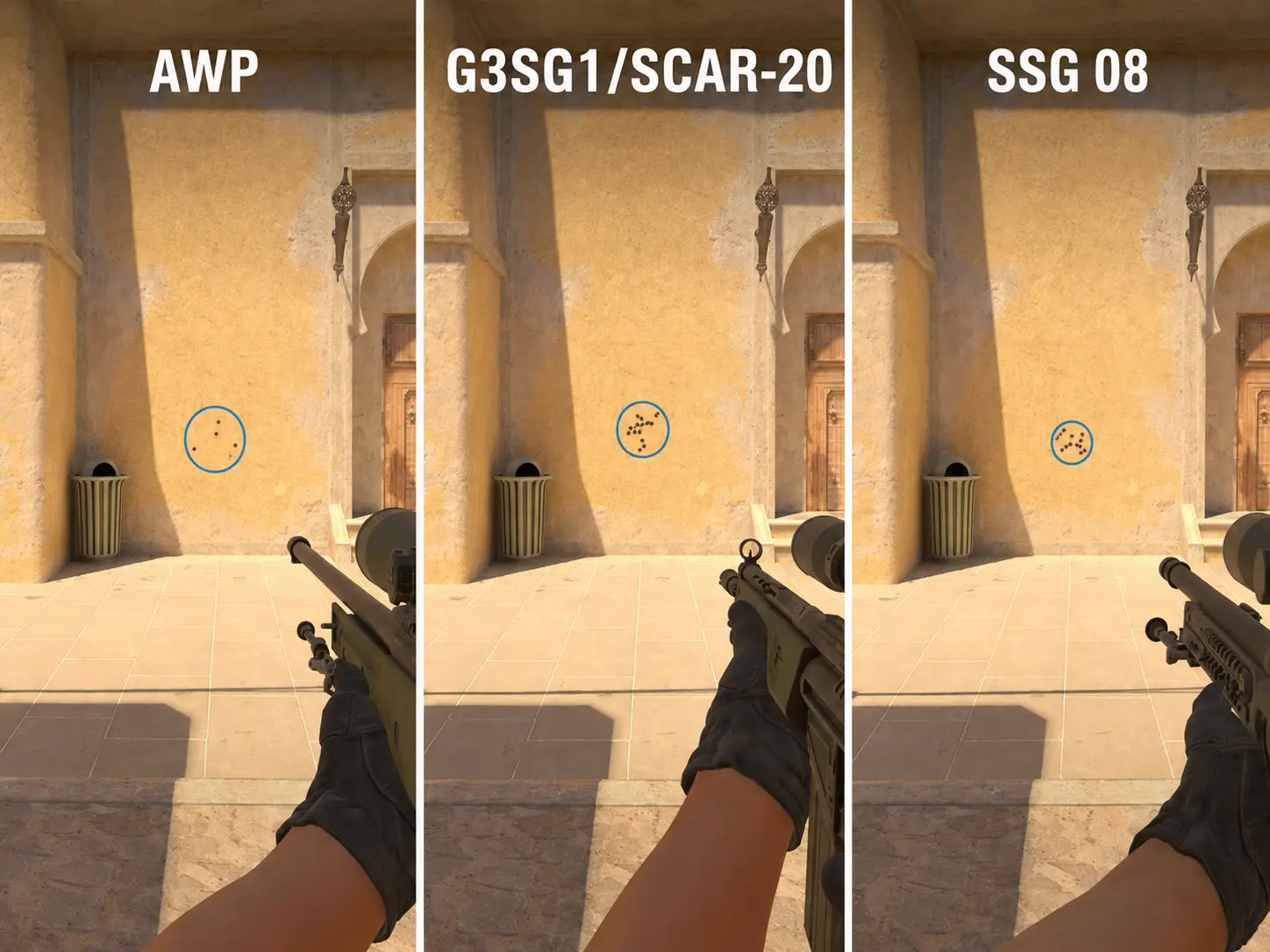
AWP remains relatively accurate on the first shot, especially at close range. However, as distance increases, bullet deviation becomes much more noticeable. Even with a perfectly centered crosshair, long-range no scope shots remain highly inconsistent.
SCAR-20 and G3SG1 behave differently because they are automatic sniper rifles. Their spread pattern allows players to maintain a more consistent stream of fire, particularly at medium range. While they are not perfectly accurate, they often feel more forgiving during rapid no scope engagements.
SSG 08 (Scout) demonstrates one of the tightest no scope spread patterns among sniper rifles. Even after several shots, the bullet deviation remains relatively small compared to the AWP. Because of this, many players consider the Scout one of the best sniper rifles for no scope attempts.
Important!
No matter which crosshair method you use, shooting without zoom in Counter-Strike 2 always involves a degree of randomness. As distance increases, weapon spread expands and accuracy decreases. This is why long-range no scope shots remain risky even when your aim appears perfectly centered.
FAQ: CS2 No Scope Crosshair Settings
Why doesn't Crosshair V2 show a crosshair in CS2?
In most cases, the issue is related to display mode settings. Make sure CS2 is running in Fullscreen Windowed mode instead of exclusive Fullscreen. You should also check whether other overlay applications are interfering with the crosshair display.
Why don't console no scope crosshair commands work in matchmaking?
Commands such as weapon_debug_spread_show require sv_cheats 1. Official matchmaking, Premier, and tournament servers do not allow cheat-protected commands. In addition, the old CS:GO console bug used for no scope crosshairs has already been fixed in CS2.
Are these no scope crosshair methods allowed in tournaments?
Steam Notes and monitor crosshairs are generally considered acceptable because they do not modify game files. Third-party applications such as Crosshair V2 may not be allowed in every tournament, so you should always check the event rules beforehand. Console commands that require cheats are not permitted in competitive environments.
Why does my Steam Notes crosshair move after restarting CS2?
Steam Notes depend on your current resolution and display scaling settings. If you change the resolution, aspect ratio, or UI scaling, the note may shift away from the center of the screen and require manual adjustment.
Do external crosshairs reduce FPS in CS2?
In most situations, there is virtually no performance impact. Steam Notes and Crosshair V2 use very few system resources. Monitor crosshairs have absolutely no FPS cost because they are rendered directly by the monitor hardware.
Should I use a dot or a cross for SCAR-20 and G3SG1?
Most players prefer a small dot or compact cross because it makes the center of the screen easier to identify during automatic fire. For the AWP and SSG 08, the choice is less critical and mainly depends on personal preference.
Why doesn't a no scope crosshair guarantee accurate long-range shots?
A visual crosshair only helps you identify the center of the screen. It does not remove weapon spread. When firing without zoom, bullets still land within a random spread area, and this area becomes larger as distance increases. This is why scoped shots remain significantly more reliable at long range.
Conclusion
Creating a no scope crosshair in CS2 is possible through several different methods, including Steam Notes, crosshair overlay applications, console commands for practice servers, gaming monitor crosshairs, and even old-school physical screen markers. Each option has its own strengths and limitations depending on your setup and goals.
It is important to remember that even the best no scope crosshair does not eliminate the core spread mechanics of sniper rifles. A visual reference point can help you better understand the center of the screen, react faster in close-range situations, and feel more confident during emergency engagements, but it cannot turn the AWP, SSG 08, SCAR-20, or G3SG1 into perfectly accurate weapons without zoom.
If you want the simplest legal solution, Steam Notes and monitor crosshairs are excellent starting points. Players looking for advanced customization may prefer applications such as Crosshair V2 or Crosshair X. For learning weapon mechanics and spread behavior, console commands on local servers remain the best option.
Ultimately, a no scope crosshair in Counter-Strike 2 is not a cheat and does not provide perfect accuracy. It is simply a helpful visual tool that makes unscoped sniper gameplay more comfortable, understandable, and enjoyable.
Random CS2 Guides
03 April 2026 Training
Mastering grenade lineups is one of the key skills in CS2. This config is designed to help you practice utility usage more efficiently and improve your consistency in real matches
10 June 2026 Tutorial
Learn how Steam Trade Protection works, how to cancel eligible Steam trades, recover CS2 skins, and what happens after restoring items from your Steam inventory.
26 April 2026 Skins
Cheap CS2 skins can look just as good as expensive collectible ones. In this guide, we’ve selected the best budget skins under $3 (€3) that can make your inventory stylish and memorable without spending too much